
If you need to reset a forgotten password or update your current password, follow the steps below.
After resetting your password, you can use your new information to sign in to Frndly TV on any device!
Forgot Your Password
1. CLICK HERE and enter the email associated with your Frndly TV account
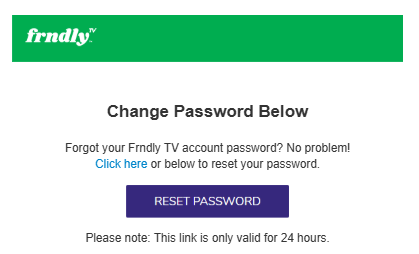
2. We’ll send you an email with the subject Frndly TV Password Reset. Click the purple RESET PASSWORD button in the email
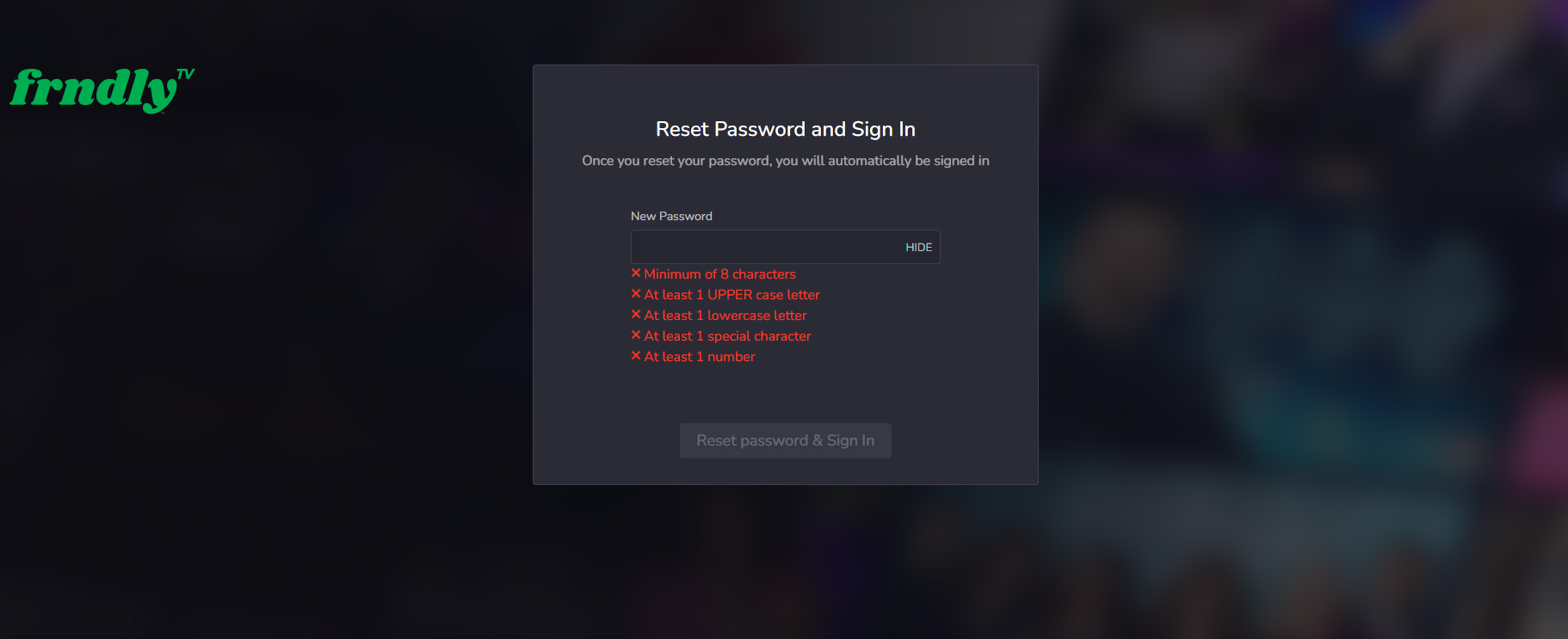
3. Submit a new password that meets the requirements shown
4. Click Reset password & Sign In to get back to watching!
Change Your Password (You know your current email)
1. CLICK HERE and sign in if prompted
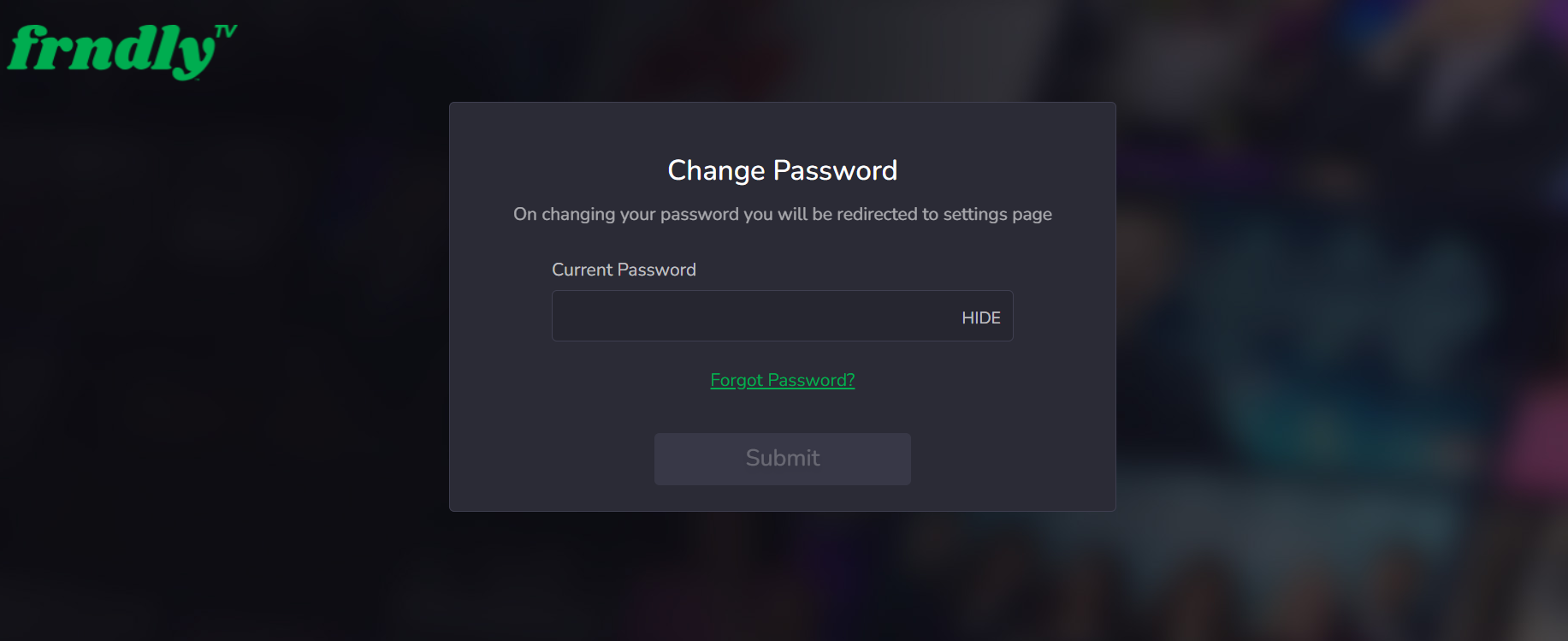
2. Enter your current password and hit Submit
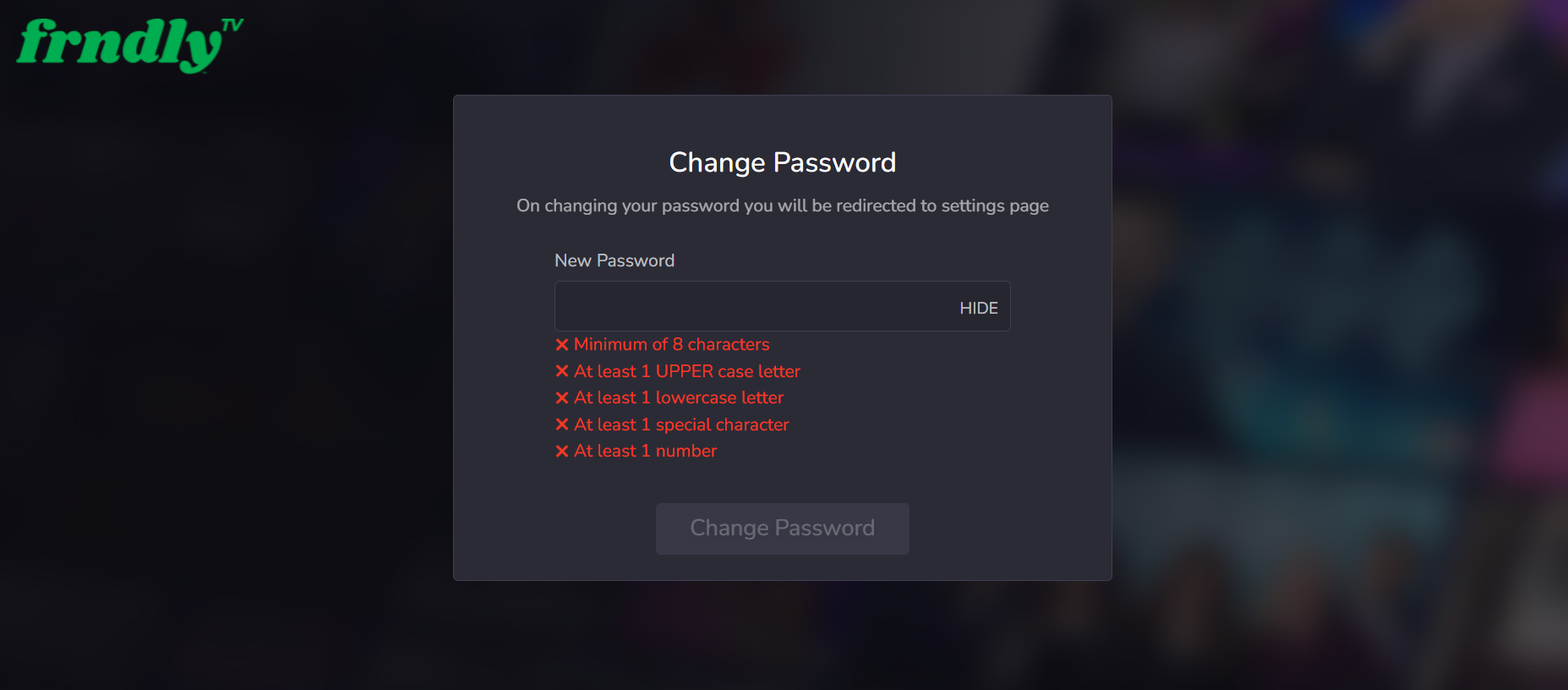
3. Submit a new password that meets the requirements shown
4. Click Change Password. You will receive an email confirmation when you are done.
If you want to talk with us, you can start a chat by clicking the chat icon at the bottom right-hand corner of the page or email us at support@frndlytv.com.